
To delete a pack from your collection page, right-click on it with the mouse button (or tap and hold it if you use a touchscreen), then press the trash bin icon.
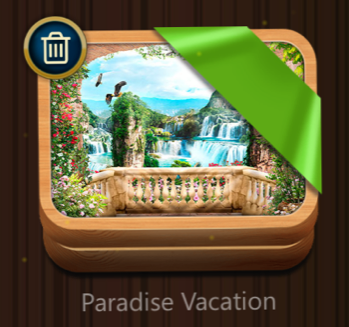
✅ You can also delete a pack in the following way:
1) Tap on the settings icon in the top right corner of the collection page
2) Choose the option
3) Tap on the trash bin icon on the pack you want to delete